 Kissa
KissaA pixel-art cafe that lives on your Home Screen
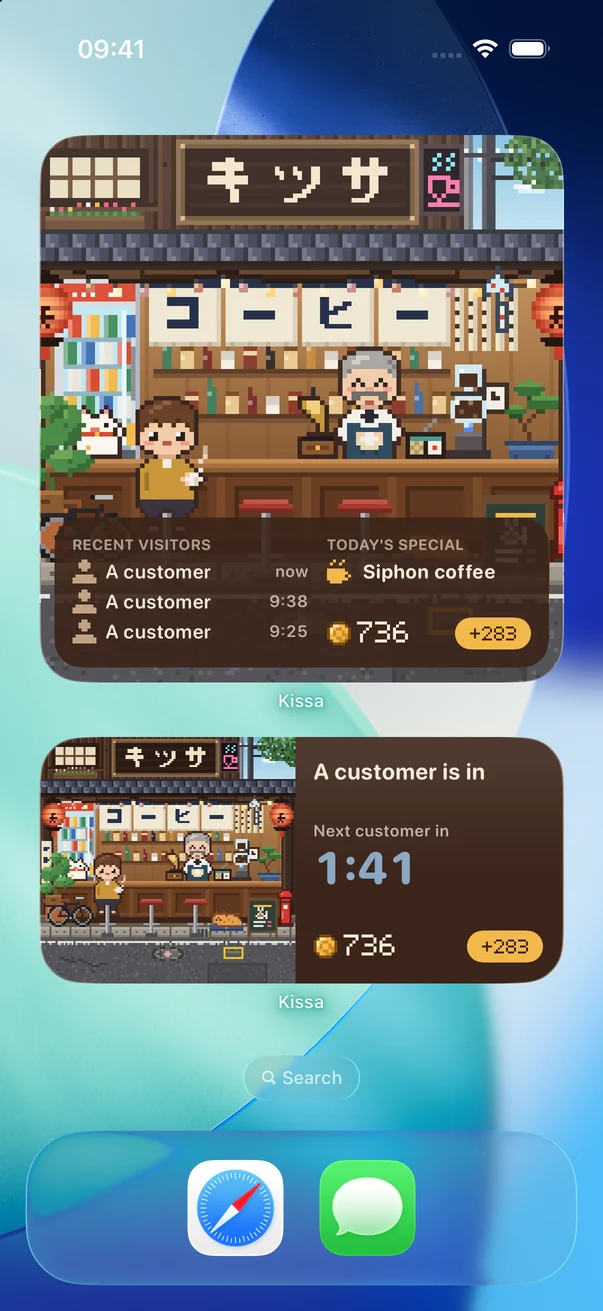
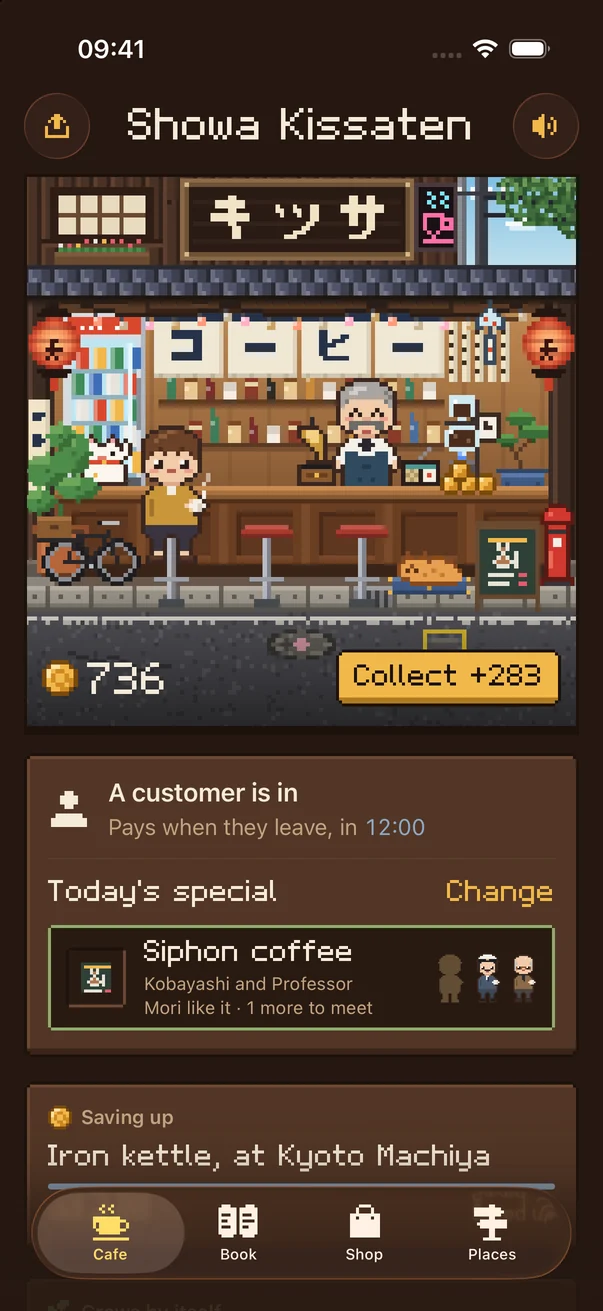
Kissa: Pixel Café is a cozy idle game for iPhone. Your cafe plays in a widget all day. Customers come and go on a real clock. Tap to collect what they spend, pick today’s special, and meet the regulars.
How it plays
-
Put the cafe on your Home Screen
Add the widget in small, medium or large. The cafe plays there all day, from morning light to night.
-
Customers come on the clock
One at a time, at a pace nobody can speed up. Each pays when they leave. Tap the gold button to collect.
-
Specials, decor, regulars
Pick today’s special and spend coins on decor. Some customers become regulars, and each one fills a page of your Book.
No hassle, on purpose
No ads
Not in the widget, not in the app.
No streaks
No fail state and no daily login. Missing a week costs nothing.
No energy, no timers to skip
Nothing speeds customers up, not even money. Nobody can play harder, so nobody falls behind.
No account, no tracking
Your cafe stays on your iPhone. It plays without the internet.
Six cafes
Each cafe has its own street, menu, decor and regulars. The first one is free. Others are one-time purchases, with no subscription. Lisbon, Hanoi or Mexico City next? Vote for the seventh.
-
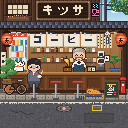
Showa Kissaten
An old Japanese coffee house, the kind that gave Kissa its name.
Free -
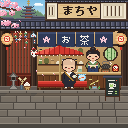
Kyoto Machiya
An old Kyoto tea house, with its regulars.
One-time purchase -
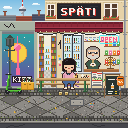
Berlin Späti
A late-night corner shop in Berlin, with its regulars.
One-time purchase -
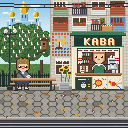
Kyiv Kiosk
A coffee kiosk in Kyiv, with its regulars.
One-time purchase -
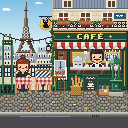
Paris Bistro
A bistro in Montmartre, with its regulars.
One-time purchase -
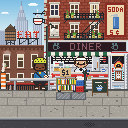
New York Diner
A diner in Greenwich Village, with its regulars.
One-time purchase
All over your iPhone
Home Screen widgets
Small, medium and large. Collect with one tap, right from the widget.
Control Center
A button that steps through today’s special.
A shift in the Dynamic Island
Open the cafe for one shift, and it sits on your Lock Screen and in the Dynamic Island.
Folded or open
On iPhone Duo the app lays out to the screen it’s on, and the widgets sit on the cover’s Home Screen.
The app
Your Book of regulars, the Shop for decor, and every cafe you own.
Questions
What is Kissa?
Kissa: Pixel Café is a cozy idle game for iPhone. A pixel-art cafe lives in a Home Screen widget, and customers visit it on a real clock. “Kissa” is short for kissaten, the Japanese word for an old-style coffee house.
How do I add the Kissa widget?
Touch and hold an empty spot on your Home Screen, tap Edit, then Add Widget. Search for Kissa, pick a size and tap Add Widget.
Is Kissa free? Does it have ads?
Kissa is free, with no ads. The first cafe comes with all its regulars, decor and widgets. Other cafes are one-time purchases. There is no subscription and nothing to buy that speeds the game up.
Do I have to play every day?
No. There are no streaks and no fail state. Customers keep coming while you’re away, and the app shows who visited when you’re back.
Can I make customers come faster?
No. Customers arrive at a fixed pace, the same for everyone. Today’s special and your decor change who comes, not how often.
Does Kissa work offline?
Yes. The game never uses the internet. You only need a connection to buy or restore a cafe through the App Store.
Which devices does Kissa run on?
iPhone with iOS 18 or later, iPhone Duo included: the app fits its cover screen and its inner screen. There is no Android version.
Does Kissa collect my data?
No. Kissa has no accounts, analytics or ads, and your cafe is saved only on your iPhone. Read the privacy policy.